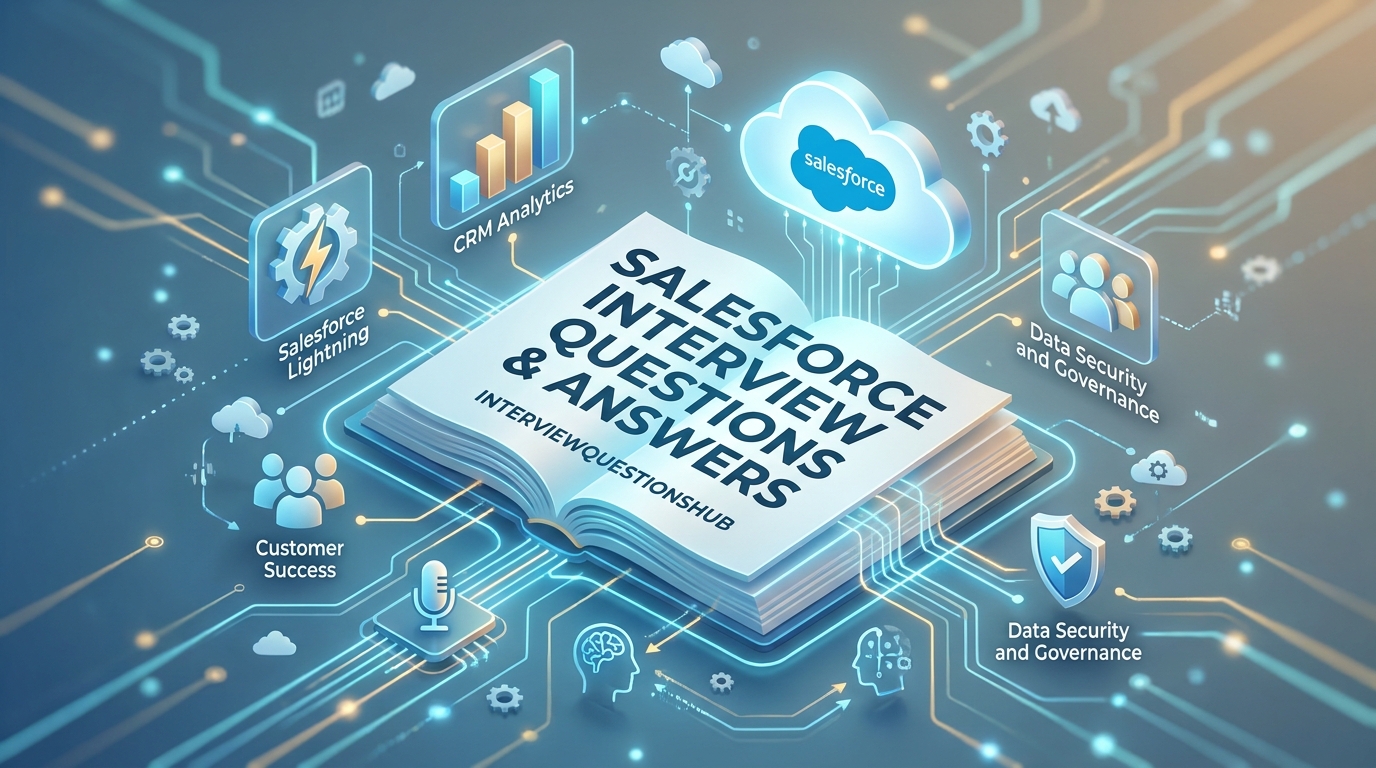
The Trailhead to Career Success: Navigating the Salesforce Ecosystem
Picture this: You’re in the final round for a dream role at a top tech firm. The hiring manager leans forward and asks, “We have a complex sharing requirement that role hierarchy can’t solve; how would you handle it without writing a single line of code?” If your mind goes blank, you aren’t alone. The Salesforce platform is so massive that it’s easy to get lost in the clouds. Whether you’re a fresher looking for your first Administrator role or an experienced Developer diving into LWC and Apex, the interview is where you prove you can solve real business problems, not just click buttons.
This guide is for those who want to move beyond memorized definitions. You’ll learn how to articulate the “why” behind the “how,” demonstrating the strategic mindset that differentiates a “certified” candidate from a “qualified” professional.
Quick Answer
To excel in a Salesforce interview, you must demonstrate a deep understanding of the multi-tenant architecture, declarative vs. programmatic solutions, and data security models. Success hinges on your ability to apply the “clicks-before-code” philosophy while showcasing proficiency in Flow Builder, Apex, and Lightning Web Components.
Top 5 Salesforce Interview Questions
- What is the difference between a Profile and a Permission Set?
- When should you use a Master-Detail relationship over a Lookup relationship?
- Can you explain the Salesforce Governor Limits and why they exist?
- How does the “Role Hierarchy” differ from “Organization-Wide Defaults” (OWD)?
- What are the different types of Flows available in Salesforce Flow Builder?
QUICK OVERVIEW TABLE
| Topic | No. of Questions | Difficulty Level | Best For |
| Security & Access | 5 | 🟢 Beginner | Admins/Freshers |
| Data Modeling | 5 | 🟡 Intermediate | All Trailblazers |
| Automation (Flow/Apex) | 5 | 🔴 Advanced | Developers/Experienced |
| UI & Lightning | 5 | 🟡 Intermediate | App Builders |
MAIN Q&A SECTION
1. What is a “Multi-tenant Architecture” in Salesforce?
🟢 Beginner
Here’s the thing: people often use this term without really grasping what it means for a business. Imagine a large apartment building. Everyone shares the same foundation, plumbing, and electrical grid, but each tenant has their own private, locked apartment. That’s Salesforce. Multiple companies (tenants) share the same underlying infrastructure and “one” version of the software. This is actually really important because it allows Salesforce to push updates to everyone at once. However, to keep one tenant from hogging all the “water” or “electricity,” Salesforce enforces Governor Limits. It’s the ultimate shared economy for enterprise software.
2. Profile vs. Permission Set: What’s the real difference?
🟢 Beginner
Honestly, this one trips people up because they both control access. In my experience, the best way to think about it is “The Base” vs. “The Add-on.” A Profile is a user’s “home base”—it defines the minimum permissions they need to do their job. Every user must have exactly one profile. Permission Sets are like “seasonal passes.” You use them to grant extra permissions to specific users without changing their entire profile. If you have five people on the Sales Profile but only one needs to export reports, don’t create a new profile. Just assign a Permission Set to that one person. It keeps your Org clean and scalable.
3. When should you choose Master-Detail over Lookup?
🟡 Intermediate
This is a classic architectural question. In a Master-Detail relationship, the “Detail” record is a total dependent. If you delete the Master, the Detail record is deleted too (Cascade Delete). Also, the Detail record inherits the security and sharing settings of the Master. Lookups are much more casual; they’re like a “loose link.” If you delete the parent, the child usually just stays there with a blank field. I always tell junior colleagues: use Master-Detail only when the child record cannot exist on its own—like “Line Items” on an “Invoice.” For everything else, stick to Lookup to avoid tight coupling.
4. What are Governor Limits, and can you name a few?
🔴 Advanced
Since we’re on a shared platform, Salesforce has to be a “fairness enforcer.” Governor Limits are hard caps on resources like memory, database hits, and execution time to prevent one company’s bad code from slowing down the whole server. Honestly, candidates who can’t name at least three common limits usually struggle in technical rounds. You’ve got the 101 SOQL limit (no more than 101 queries in a single transaction), the 150 DML limit, and the 10-second CPU timeout. In my experience, the key to handling these is “Bulkification”—never put a query or a DML statement inside a loop.
5. How do you handle a “Sovereign” or “Private” data requirement?
🟡 Intermediate
Security is the heart of Salesforce. If a client says, “Users should only see the records they own,” you start with Organization-Wide Defaults (OWD). You set the object to “Private.” From there, you open up access using the Role Hierarchy (access flows upward to managers) and then use Sharing Rules for lateral access across departments. If it gets even more specific—say, based on a field value—you use Criteria-Based Sharing. A lot of candidates miss this: You always start with the most restrictive setting and “open the funnel” as needed. You never start open and try to lock it down.
6. What is the difference between a Workflow, Process Builder, and Flow?
🟡 Intermediate (Note: Workflow & Process Builder are being retired)
In 2026, the answer is simple: Flow is the king. Salesforce has moved away from the older, simpler tools. Workflow was great for basic field updates or emails. Process Builder added more logic and “If/Then” branching. But Flow Builder is a powerhouse that can handle complex logic, screen interactions, and cross-object updates that previously required Apex code. A lot of candidates still talk about Workflow as a current tool, but honestly, if you want to sound like a pro, focus 100% on Flow. It’s the declarative future of the platform.
7. Can you explain the “Data Silo” problem and how External Objects help?
🔴 Advanced
Sometimes, a business has data in an old SQL database or SAP that they don’t want to physically move into Salesforce because it’s too large or expensive. This is where Salesforce Connect and External Objects come in. Instead of “importing” the data, you “link” to it. It shows up in Salesforce looking like a custom object, but the data actually lives elsewhere. This is actually really important for maintaining a “Single Source of Truth” without bloating your Salesforce data storage. It’s a sophisticated way to handle integration without the heavy lifting of a full ETL process.
8. What are the different types of sandboxes?
🟢 Beginner
You’ve got four main types: Developer, Developer Pro, Partial Copy, and Full Sandbox. Developer sandboxes are tiny (200MB) and only include metadata. Developer Pro is a bit bigger. Partial Copy includes your metadata plus a sample of your actual data. The Full Sandbox is a “mirror image” of your production org, including all data. In my experience, people often waste money on Full Sandboxes for basic testing. Use a Developer sandbox for coding, and save the Full Sandbox for User Acceptance Testing (UAT) or performance stress tests where real-world data volume actually matters.
9. What is “Apex Trigger” and when should you use it?
🔴 Advanced
Apex Triggers are pieces of code that execute before or after a specific database event, like an insert or an update. You use them when Flow Builder isn’t enough—maybe you need to integrate with an external API in real-time or handle extremely complex logic that would make a Flow unreadable. Here’s the thing: always follow the “One Trigger Per Object” rule. If you have five different triggers on the Account object, you can’t control the order in which they run. Consolidate them into a single trigger that calls a “Handler Class” to keep your Org predictable and maintainable.
10. What is a “Global Picklist” and why is it useful?
🟢 Beginner
Imagine you have a list of “Regions” that you use on the Account, Lead, and Opportunity objects. If you create a separate picklist on each, and then a region name changes, you have to update it in three places. A Global Picklist (or Global Value Set) allows you to define the list once and “subscribe” multiple fields to it. It ensures data consistency across your entire Org. Honestly, this is a “best practice” question. If you aren’t using Global Picklists for shared data, you’re creating a maintenance nightmare for your future self.
11. Can you explain “Lightning Web Components” (LWC)?
🟡 Intermediate
LWC is the modern framework for building custom UI in Salesforce. It’s built on modern web standards, which makes it much faster and more “lightweight” than the older Aura components. It uses HTML, JavaScript, and CSS. A lot of candidates miss this: LWC is great because it’s “portable.” Because it’s based on standard web code, developers from outside the Salesforce world can pick it up much faster. In my experience, if you’re building a custom dashboard or a complex input screen today, LWC is the only way to go.
12. What are “Custom Settings” vs. “Custom Metadata Types”?
🔴 Advanced
This one trips people up a lot. Custom Settings are great for storing pieces of data that you want to access quickly in code without using a SOQL query (saving your Governor Limits). However, they don’t migrate with your metadata—you have to re-upload the data in every sandbox. Custom Metadata Types are metadata. When you move your code from Sandbox to Production, the records come with it. I always recommend Custom Metadata for “Application Configurations” and Custom Settings only for “User-specific” preferences.
13. How do you handle “Bulkification” in Apex?
🔴 Advanced
Bulkification is the art of writing code that can handle 1 record or 200 records equally well. In my experience, the biggest mistake juniors make is putting a [SELECT ...] query inside a for loop. If you process 200 records, you hit the 101 SOQL limit instantly. Instead, you “collect” your IDs in a Set, run one query outside the loop, and use a Map to process the results inside the loop. It’s about being efficient with resources. If your code isn’t bulkified, it will eventually fail in a production environment with high data volume.
COMPARISON TABLE: Declarative vs. Programmatic
Choosing the right tool is the hallmark of a Senior Salesforce professional.
| Feature | Declarative (Clicks) | Programmatic (Code) |
| Tools | Flow Builder, Validation Rules | Apex, LWC, Triggers |
| Maintenance | Easier for Admins to manage | Requires Developer expertise |
| Execution | Slower for massive batch logic | Faster and more powerful |
| Governor Limits | Consumes “Flow” limits | Consumes “Apex” limits |
| Best For | Standard business logic/UI | Complex math, APIs, Custom UI |
INTERVIEW TIPS SECTION
- Clicks-Before-Code: Always start your technical answers by mentioning a declarative solution. Salesforce is a low-code platform first; showing you know how to avoid custom code proves you care about long-term maintenance costs.
- Know the Release Cycle: Salesforce updates three times a year (Spring, Summer, Winter). Mention a feature from the latest release to show you’re an active learner who stays current with the platform.
- Narrate the “Why”: Don’t just say “I’d use a Flow.” Say, “I’d use a Record-Triggered Flow because it’s easier for the Admin team to maintain than an Apex Trigger and it handles this specific logic efficiently.”
- Bulkification is King: If you’re asked to write a snippet of Apex or describe a Flow, always mention how you’d handle “multiple records at once.” This shows you’re ready for enterprise-scale Orgs.
- Ask About the Org Size: At the end, ask the interviewer about their Org’s complexity. “How many managed packages do you use?” or “How do you handle deployment (DevOps)?” It shows you understand the big picture.
WHAT INTERVIEWERS REALLY LOOK FOR
When I’m interviewing for a Salesforce role, I’m looking for Platform Empathy. I want to see that you aren’t just a coder or a clicker, but someone who understands how your changes impact the “health” of the Org. We look for Documentation Discipline. If you build a complex Flow but don’t fill out the description fields, you’re creating technical debt.
Another big factor is Business Acumen. Can you translate a vague request like “We need better sales tracking” into a set of Custom Objects, Reports, and Dashboards? We want to know you can talk to a Sales VP as easily as a Developer. Finally, we look for Continuous Learning. The platform changes so fast that “What you knew two years ago” is often obsolete. If you can show your Trailhead progress or recent certifications, you’re already ahead of the pack.
FAQ : Salesforce Interview Questions
Salesforce.com is the SaaS (Software as a Service) offering (CRM apps like Sales Cloud). Force.com is the PaaS (Platform as a Service) that allows you to build your own custom apps on the same infrastructure.
Yes! Trailhead is Salesforce’s free learning platform. It’s the gold standard for learning everything from basic Admin tasks to advanced Apex coding.
It’s a way to ensure data quality. It checks if the data entered by a user meets specific criteria (like “Phone number must be 10 digits”) and prevents saving if it doesn’t.
Not necessarily. About 80% of Salesforce requirements can be solved using “Declarative” tools like Flow. Coding (Apex/LWC) is usually reserved for the remaining 20% of complex tasks.
Short for “Organization,” it’s a specific instance of Salesforce that a company uses. It has its own unique ID, users, data, and customizations.
CONCLUSION
Cracking the Salesforce interview is about more than just knowing where the “Setup” menu is. It’s about demonstrating that you are a trusted advisor who can protect the Org’s data and build scalable solutions. Don’t be afraid to admit when a requirement is “Code-heavy” or when a standard feature can do the job better. Remember, Salesforce is a community as much as it is a software. Use these Salesforce interview questions to ground your knowledge, but keep your curiosity alive by staying active on Trailhead.
Ready to level up your Trailblazer journey? Check out our other expert guides:
- [How to Prepare for the Salesforce Administrator Certification]
- [Apex Design Patterns for Senior Developers]
- [Mastering Flow Builder: A Step-by-Step Guide]
The clouds are waiting—go land that offer!