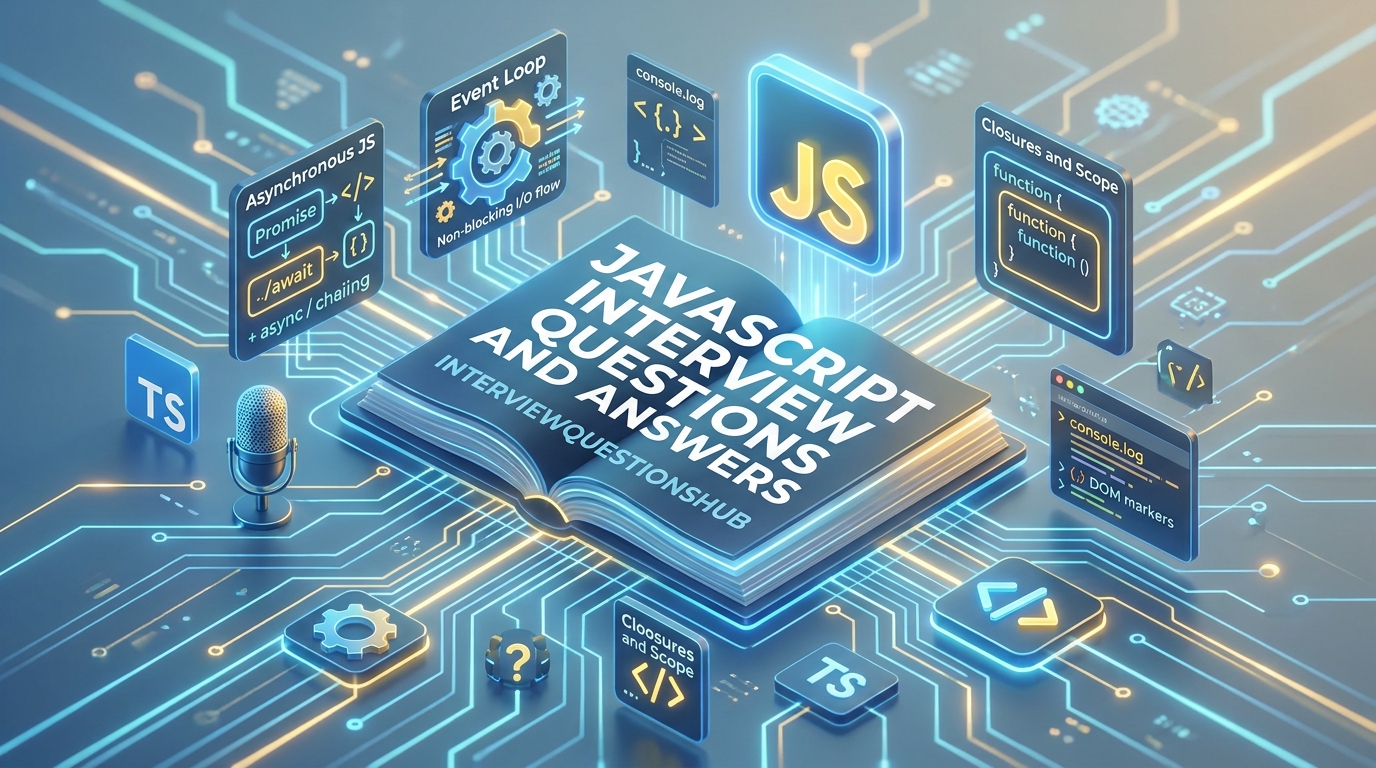
The Engine Under the Hood: Cracking the JavaScript Interview
You’ve built a few apps, you’re comfortable with frameworks like React or Vue, and you feel ready. But then you sit down in an interview and the lead dev asks: “Can you explain the difference between the Event Loop and the Task Queue?” Suddenly, your palms get a bit sweaty. It’s a common pain point; we often get so used to the “magic” of modern tools that we forget the core mechanics of the language itself. Whether you’re a fresher trying to land your first “Junior Developer” role or an experienced pro eyeing a Senior Architect position, the JavaScript ecosystem is deep and full of “gotchas.”
This guide is designed for those who want to sound like a seasoned professional, not a textbook. We’ve gathered the most impactful JavaScript interview questions and answers that reflect the real-world development challenges of 2026. You’ll learn how to break down complex architectural concepts, defend your coding choices, and prove that you aren’t just a “library user”—you’re a JavaScript engineer.
Quick Answer
To excel in a JavaScript interview, you must demonstrate a deep understanding of prototypical inheritance, closures, and the asynchronous event-driven nature of the language. Success hinges on explaining how the V8 engine manages memory and the call stack, ensuring you can write high-performance, non-blocking code.
Top 5 JavaScript Interview Questions
- What is the difference between
var,let, andconst? - How do Closures work in JavaScript?
- What is the “Event Loop” and how does it handle asynchronous code?
- Can you explain the difference between
==and===? - What is “Hoisting” in JavaScript?
QUICK OVERVIEW TABLE
| Topic | No. of Questions | Difficulty Level | Best For |
| Core Fundamentals | 5 | 🟢 Beginner | Freshers |
| Scope & Closures | 5 | 🟡 Intermediate | All Levels |
| Asynchronous JS | 5 | 🔴 Advanced | Senior Devs |
| ES6+ & Beyond | 5 | 🟡 Intermediate | Experienced |
MAIN Q&A SECTION
1. What is the difference between var, let, and const?
🟢 Beginner
Here’s the thing: before ES6, we only had var, and it caused a lot of headaches due to its “functional scope.” If you defined a var inside an if block, it was still accessible outside that block. let and const fixed this by being “block-scoped.” let allows you to reassign values, while const is for variables that shouldn’t change. However, don’t be fooled—a const object or array can still have its contents modified. In my experience, you should default to const and only use let when you know a value must change. Honestly, var has no place in modern 2026 codebases.
2. How do Closures work and why are they useful?
🟡 Intermediate
A closure is simply a function that “remembers” the environment in which it was created. This means an inner function has access to the variables of its outer function even after the outer function has finished executing. I like to use the example of a “Counter” function. You can hide the actual count variable inside the outer function and only expose methods to increment it. This is actually really important for data privacy and creating “private” variables in JavaScript. A lot of candidates miss this, but closures are the backbone of many design patterns we use every day.
3. What is “Hoisting” in JavaScript?
🟢 Beginner
Hoisting is JavaScript’s default behavior of moving declarations to the top of the current scope before code execution. This means you can technically call a function before it’s defined in your code. But here’s the catch: only the declarations are hoisted, not the initializations. If you try this with var, you’ll get undefined. If you try it with let or const, the code will throw a “ReferenceError” because they exist in a “Temporal Dead Zone.” Honestly, this one trips people up in coding rounds, so it’s always better to define your variables and functions at the top manually.
4. How does the Event Loop handle asynchronous tasks?
🔴 Advanced
JavaScript is single-threaded, but it behaves like it’s multi-threaded thanks to the Event Loop. When you run an async task like fetch or setTimeout, it gets offloaded to the Web APIs (in the browser) or C++ APIs (in Node.js). Once finished, the callback enters the Task Queue or Microtask Queue. The Event Loop’s job is to look at the Call Stack; if the stack is empty, it pushes the first task from the queue onto the stack. In my experience, understanding that Microtasks (like Promises) have higher priority than Macrotasks (like setTimeout) is what separates a senior dev from a junior.
5. What is the difference between == and ===?
🟢 Beginner
This is a classic “fresher” question, but it’s vital. == is the “abstract equality” operator, which performs type coercion. This means '5' == 5 will return true because JavaScript tries to be helpful and converts the string to a number. === is the “strict equality” operator, which checks both the value and the type. So, '5' === 5 is false. In my experience, using == is a recipe for silent bugs that are a nightmare to track down. Always use === unless you have a very specific, documented reason to do otherwise.
6. What is the “this” keyword and how does its value change?
🟡 Intermediate
The value of this depends entirely on how a function is called, not where it is defined. In a standard function call, this refers to the global object (or undefined in strict mode). In a method call, it refers to the object owning the method. Things get tricky with arrow functions, though. Arrow functions don’t have their own this; they inherit it from the surrounding lexical scope. Honestly, this trips people up so often that many teams now prefer arrow functions just to avoid the confusion of “binding” this manually in every constructor.
7. What is Prototypal Inheritance?
🔴 Advanced
Unlike Java which uses classes, JavaScript uses prototypes. Every object has a secret link to another object called its prototype. If you try to access a property that doesn’t exist on the object itself, JavaScript looks up the “Prototype Chain” until it finds it or hits null. This is how methods like .map() are available on every array—they live on the Array.prototype. In my experience, understanding this is key to grasping how classes in ES6 actually work under the hood, as they are just “syntactic sugar” over this prototypal system.
8. Can you explain the difference between Map and a plain Object?
🟡 Intermediate
While they look similar, they have key differences. A plain Object only allows strings or symbols as keys, whereas a Map can take anything—even another function or object—as a key. Also, Maps maintain the insertion order of their keys, while objects don’t strictly guarantee this. Another big one is size; you can get the size of a Map easily with .size, but for an object, you have to manually count the keys. Honestly, for simple data storage, an object is fine, but for complex data structures or high-performance lookups, a Map is usually the better professional choice.
9. What are “Promises” and how do they solve “Callback Hell”?
🟢 Beginner
Before Promises, we had to nest callbacks inside callbacks, leading to the “Pyramid of Doom” where code becomes unreadable. A Promise is an object representing the eventual completion (or failure) of an async operation. It allows you to chain actions using .then() and handle errors with .catch(). In my experience, Promises made code much cleaner, but async/await (which is built on top of Promises) made it even better by letting us write async code that looks synchronous. It’s all about making the code easier for the next developer to read.
10. What is “Currying” in JavaScript?
🔴 Advanced
Currying is a functional programming technique where a function that takes multiple arguments is transformed into a series of functions that each take a single argument. For example, instead of add(a, b), you’d have add(a)(b). Why bother? It allows you to “partially apply” functions. You could create a specialized function like addFive = add(5) and then use it later as addFive(10). Honestly, this isn’t something you’ll use every day, but it shows the interviewer that you understand high-order functions and can think in terms of functional composition.
11. What is the difference between “Shallow Copy” and “Deep Copy”?
🟡 Intermediate
A shallow copy (like using the spread operator ...) only copies the top-level properties. If the object has nested objects, the copy and the original still share the same reference to those nested objects. A deep copy creates a completely independent clone of the entire structure. I’ve seen many bugs where someone thought they “cloned” a user object, changed a nested address, and accidentally updated the original user too. In 2026, we can use the native structuredClone() method for deep copies, which is much better than the old JSON.parse(JSON.stringify()) hack.
12. What is an IIFE (Immediately Invoked Function Expression)?
🟢 Beginner
An IIFE is a function that runs as soon as it’s defined. It looks like this: (function(){ ... })();. In my experience, we used these heavily in the past to create private scopes and avoid polluting the global namespace before we had ES6 modules. While they’re less common now because of modern import/export syntax, they’re still great for cases where you need an async block at the top level of a script or want to run initialization logic that shouldn’t be accessible elsewhere. It’s a “classic” piece of JS knowledge that interviewers still love to test.
13. How does “Debouncing” differ from “Throttling”?
🔴 Advanced
Both are used to limit how often a function runs, but their logic is different. Debouncing waits for a “period of silence.” If you’re typing in a search bar, a debounced function waits until you stop typing for 300ms before hitting the API. Throttling ensures a function runs at most once every X milliseconds, regardless of how many times it’s triggered. Think of throttling like a faucet that drips once a second, and debouncing like a waiter who waits for you to finish your whole order before going to the kitchen. Using these correctly is essential for web performance.
14. What are “Template Literals” and why use them?
🟢 Beginner
Template literals use backticks (`) instead of quotes. They allow you to do two major things: string interpolation (embedding variables directly using ${variable}) and multi-line strings without needing \n. Honestly, this is actually really important for code readability. Trying to concatenate long strings with the + operator is messy and prone to spacing errors. Template literals make your code look much more modern and clean, and they’re the standard way to write strings in any professional 2026 project.
15. What is the purpose of the “use strict” directive?
🟡 Intermediate
“use strict” tells the browser to run the code in a stricter mode. It catches common coding bloopers and throws errors instead of failing silently. For example, it prevents you from using variables without declaring them or deleting non-deletable properties. In my experience, it also helps the JavaScript engine optimize your code, potentially making it run faster. Most modern modules and build tools like Babel or Webpack include “use strict” by default, but knowing why it’s there shows you understand the importance of code quality and safety.
COMPARISON TABLE: Data Storage in JS
| Feature | Object | Map | WeakMap |
| Key Types | String or Symbol | Any Type | Objects Only |
| Iteration | 🟡 Manual (keys/values) | 🟢 Easy (Iterable) | 🔴 Non-iterable |
| Performance | Good | 🟢 Better for frequent adds | 🟢 Memory Efficient |
| Garbage Collection | Stays in memory | Stays in memory | 🟢 Cleans up automatically |
INTERVIEW TIPS SECTION
- Think in Vanilla First: Even if the job is for a React developer, solve coding challenges in pure JavaScript first. It proves you aren’t reliant on framework “magic” to solve logic problems.
- Narrate Your Logic: When doing a live coding test, talk through your thought process. If you’re deciding between a
forloop and a.map(), explain the trade-off. Interviewers care more about how you think than just the final answer. - Understand the “Why”: Don’t just say “I’d use a Promise.” Say “I’d use a Promise here because we need to handle this API call asynchronously without blocking the main thread.”
- Know the Modern Features: Mentioning ES2024 or ES2025 features like Top-level await or new Array methods shows you stay current. JavaScript moves fast; don’t sound like you’re stuck in 2015.
- Be Honest About “this”: If you get stuck on a complex
thisbinding question, be honest. Explain the rules you do know and how you’d debug it. Integrity is often more valuable than a lucky guess.
WHAT INTERVIEWERS REALLY LOOK FOR
When I’m interviewing for a JavaScript position, I’m looking for Architectural Maturity. I don’t care if you know every single array method by heart; I care if you understand how JavaScript interacts with the browser’s memory and the Event Loop. We look for Performance Awareness. Will your code freeze the UI when handling 10,000 rows of data?
Another big factor is JavaScript Mastery vs. Framework Dependency. Can you explain what a “Closure” is without mentioning a React useEffect? Finally, we look for Clean Code Habits. Do you name your variables clearly? Do you handle errors gracefully with try/catch? A developer who builds for the “end user” and the “next developer” is always the top choice.
FAQ : JavaScript Interview Questions
Yes. It remains the only language that runs natively in every web browser and is the foundation for massive backend environments like Node.js and mobile frameworks like React Native.
It is Google’s open-source high-performance JavaScript and WebAssembly engine, written in C++. it’s what powers Google Chrome and Node.js.
They are completely different. Java is a compiled, statically-typed language used for enterprise apps. JavaScript is an interpreted, dynamic language primarily used for web interactivity.
It is a function that either takes one or more functions as arguments or returns a function as its result. Examples include .map(), .filter(), and .reduce().
Absolutely. Using Node.js, you can build scalable, fast backends using the same JavaScript syntax you use for the frontend.
It is a form of dead-code elimination. It removes unused code from your final bundle, making your website load much faster for the user.
CONCLUSION
JavaScript is a language of nuances and hidden depths. Preparing for JavaScript interview questions is about proving you understand the “Spirit” of the language—its asynchronous heart and prototypal soul. Don’t get discouraged by the complex “this” or “Event Loop” questions; they’re just hurdles that prove your seniority. Stay curious, keep building, and remember that every bug you’ve ever fixed is just another story to tell in the interview room.
Ready to level up your career? Check out our other expert guides:
- [Top 30 React JS Interview Questions for 2026]
- [Mastering Node.js: A Backend Interview Prep]
- [The Ultimate Guide to Modern CSS and Layouts]
You’ve got the logic—now go land that job. Good luck!